eVISA Portal Walkthrough
Step-by-step guide to the official Ecuador eVISA portal.
Step-by-step guide to the official Ecuador eVISA portal.
The official Ecuador eVISA portal is at serviciosdigitales.cancilleria.gob.ec. It is operated by Ecuador's Ministry of Foreign Affairs and Human Mobility (Cancillería). Portal labels can change; use the current screen if they differ from this guide.
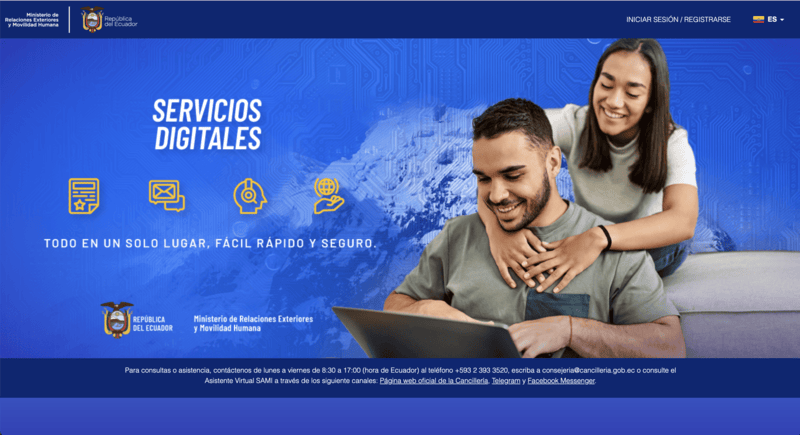
Go to the portal and select INICIAR SESIÓN / REGISTRARSE in the upper-right corner.
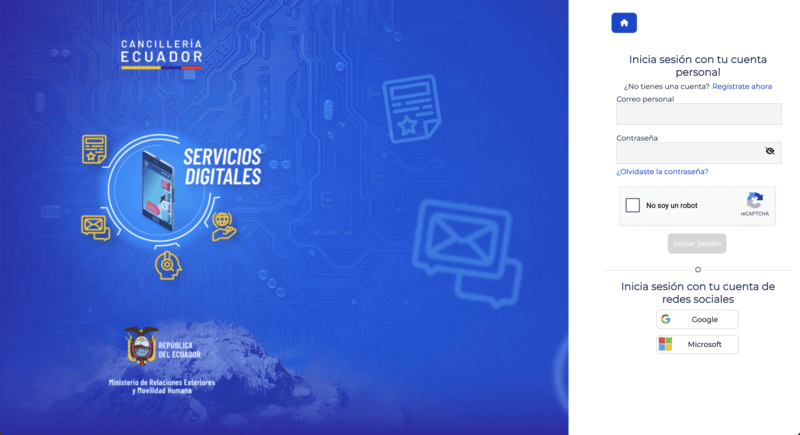
On the login page, existing users enter their email and password. New users select Regístrate ahora.
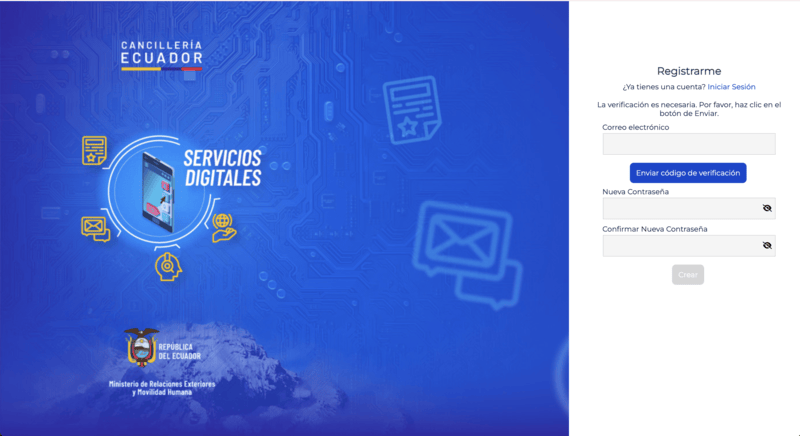
Enter your email under Correo electrónico and choose Enviar código de verificación. Enter the code delivered to your email, then enter the same password under Nueva Contraseña and Confirmar Nueva Contraseña.
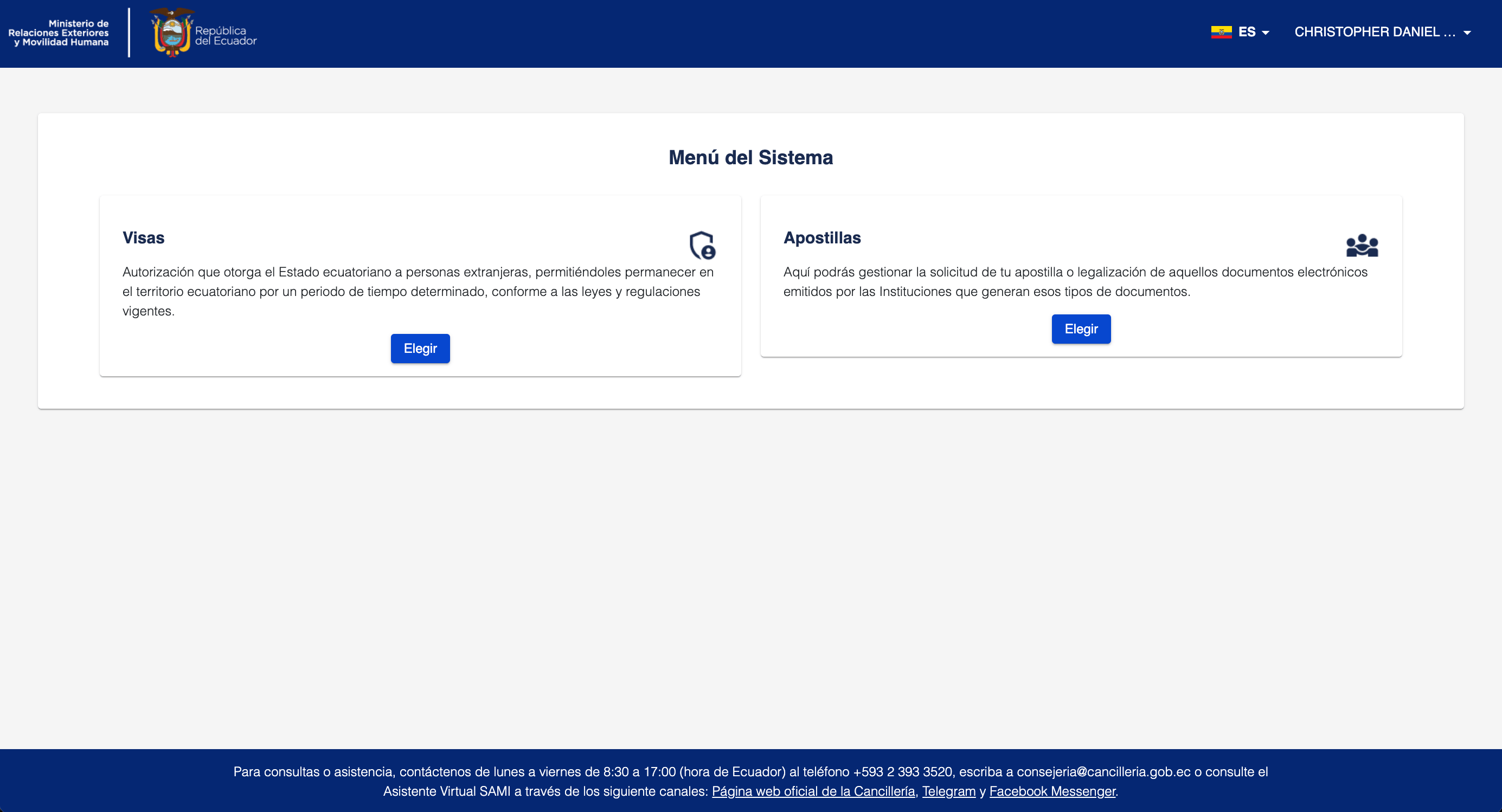
After signing in, the system displays options including Visas and Apostillas. Select Elegir under Visas.
The Visas area shows Nuevo Trámite and the Historial de Trámites. Use the history to review applications that exist in your account, including applications in process, approved, or denied. Ver Expediente opens the details for a listed application.
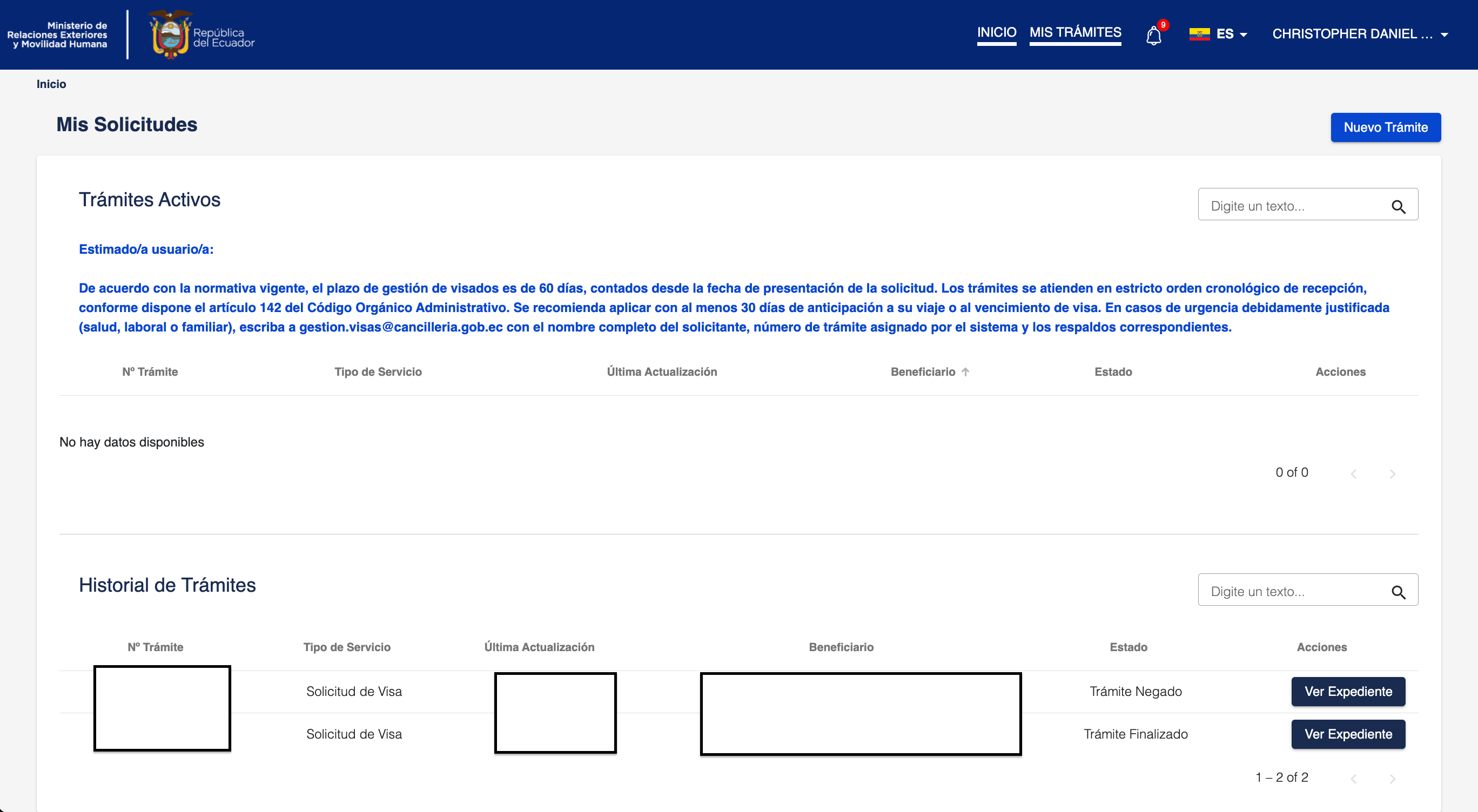
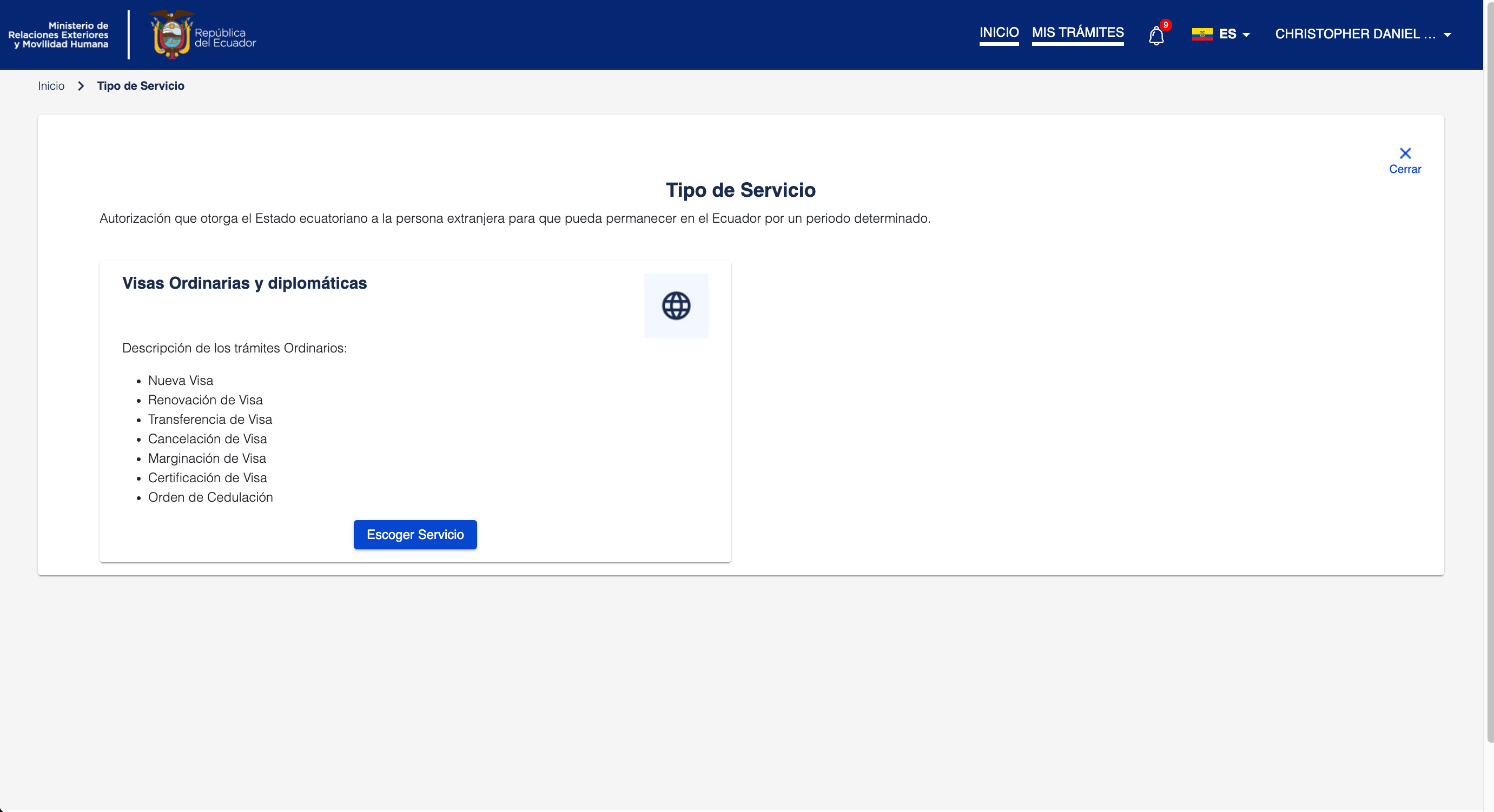
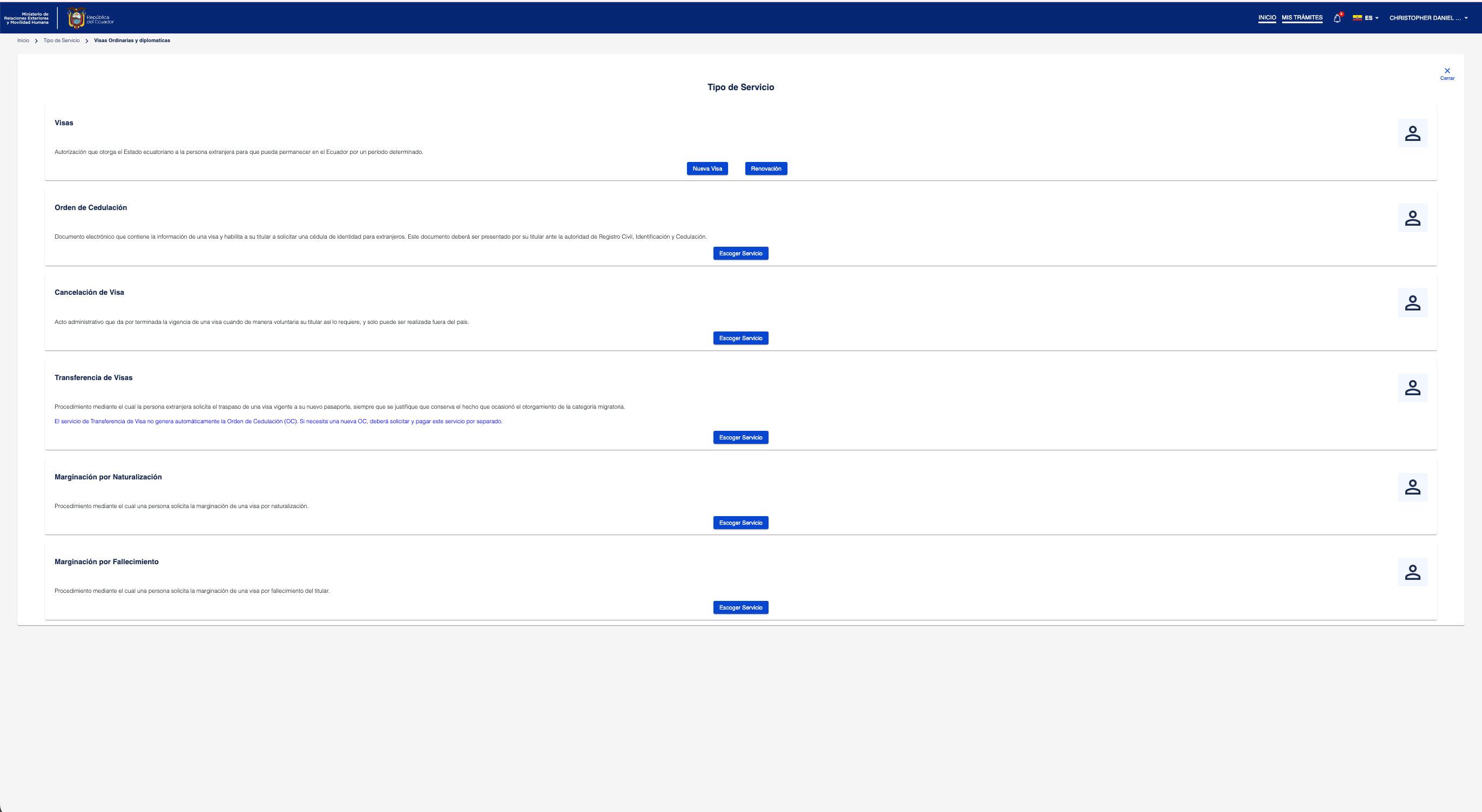
Select Nuevo Trámite, then choose Escoger Servicio under Visas Ordinarias y diplomáticas. The service menu may also show renewal, transfer, cancellation, and other services.
For a new application, select Nueva Visa.
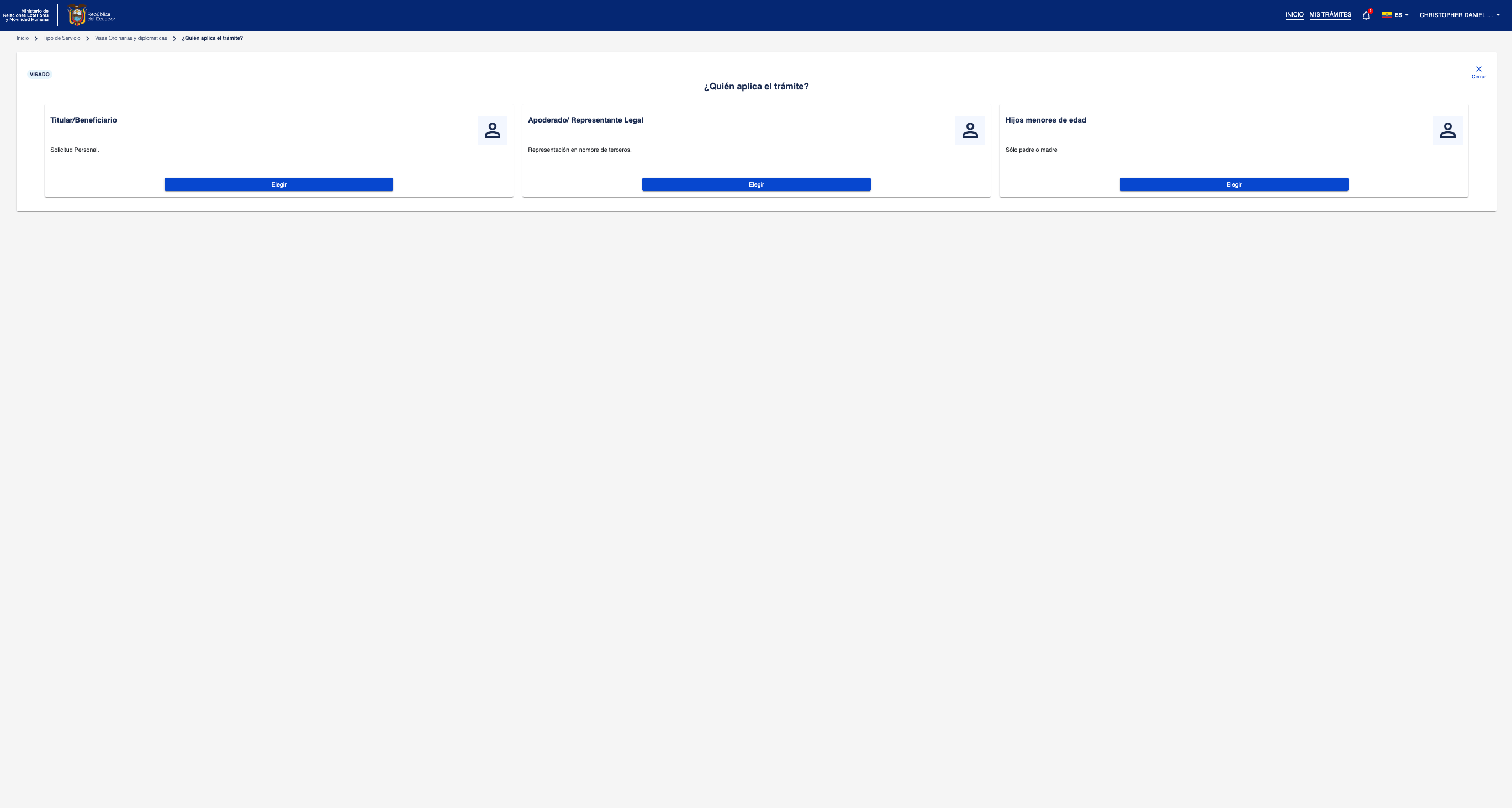
Select Titular/Beneficiario for your own application. The portal may also offer Apoderado/Representante Legal for a representative and Hijos menores de edad for a minor child.
The portal presents four broad categories:
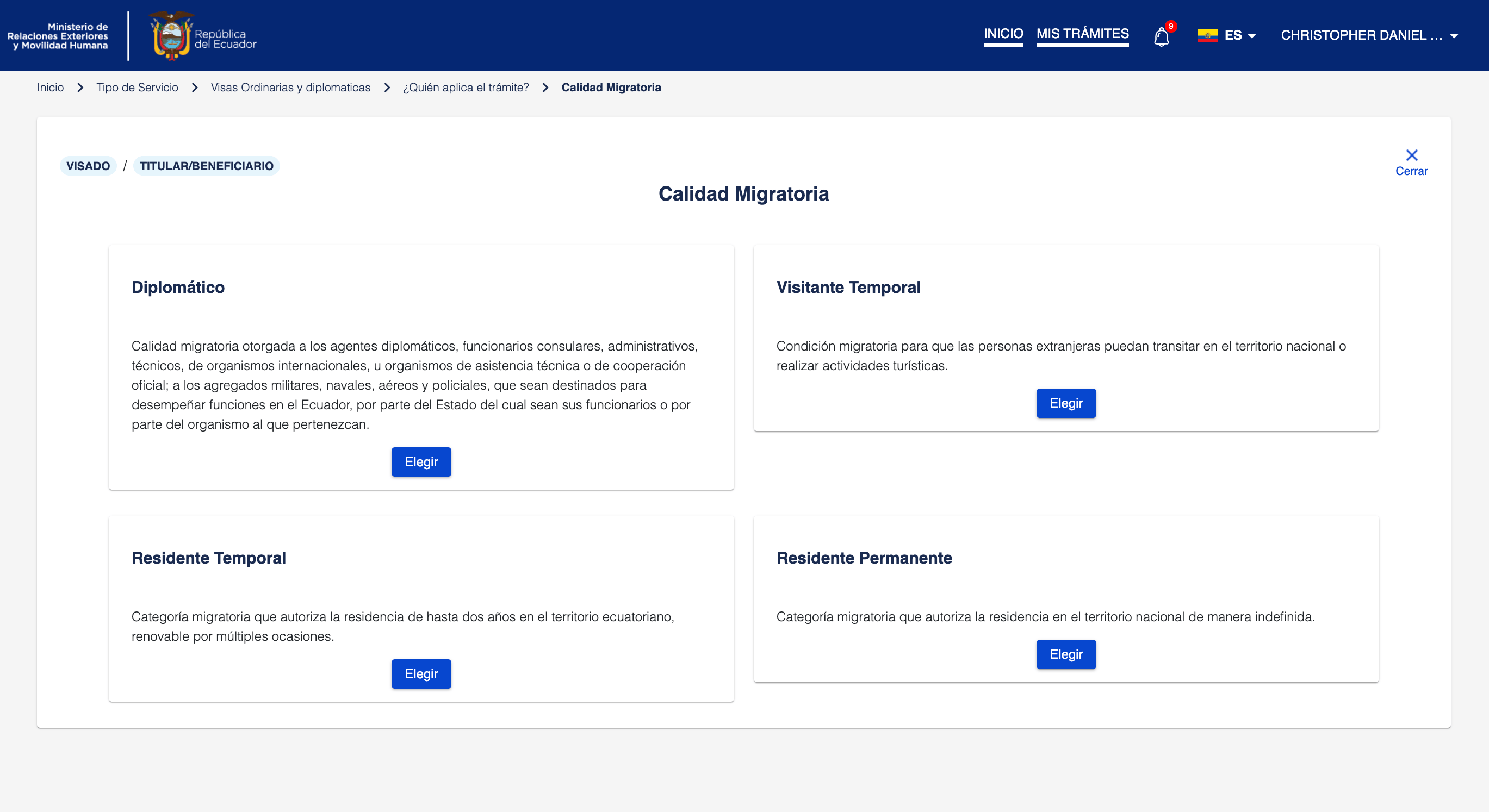
After choosing the category, select the specific visa type. See the Visa Types page for a complete list of available options.
When you begin a visa application in the eVISA portal, the system creates a pending application record. This record must be paid — not just submitted, but actually paid — before 23:55 Ecuador time on the same calendar day.
If the clock hits 23:55 and the fee has not been paid, the system silently deletes the application. There is no confirmation dialog, no warning email, and no notification. Your application simply vanishes from your history.
The rule appears to exist because the system is designed for a single-day workflow: you start the application, upload documents, and pay the fee all in one session. The portal does not treat applications started but not paid as "drafts" — it treats them as expired sessions that get garbage collected.
This is especially dangerous because:
The only reliable strategy is to start your application early in the Ecuador business day. This gives you the maximum window to resolve payment issues:
If you are outside Ecuador and your only payment option is a card, consider starting the application early in the Ecuador morning so that you have the full day to try different cards or contact your bank.
If your application is deleted, there is no recourse through the Ministry — they will not restore it. Your only option is to begin a new application and pay the fee on the same day. Unfortunately, you will also need to pay the application fee again.
To minimize the risk of losing another day of work, prepare all your documents in advance before starting the new application so you can upload everything quickly and pay immediately.